You probably have traffic going to your product pages. It might even be the majority, especially if you're running ads. It's a standard practice.
But we were seeing this pattern: shopper clicks a Meta ad, hits the product page, then buys… something else.
In other words, the ad was generating interest, but customers were ultimately rejecting the ad and landing page premise in favour of another product.
For a lot of brands, that makes sense. You sell multiple SKUs, and it's hard to guess which item is going to resonate with the cold audiences you might be reaching on Meta.
Ad → Collection page
With that bombshell (I mean, ‘insight’!), we introduced new Meta ads that drive traffic to collection pages — rather than product pages — so shoppers self-select the individual product.
Ad → Product page → Make exploring easy
We also wanted to make it easier for shoppers to navigate away from a product page that wasn't the right fit. So we added:
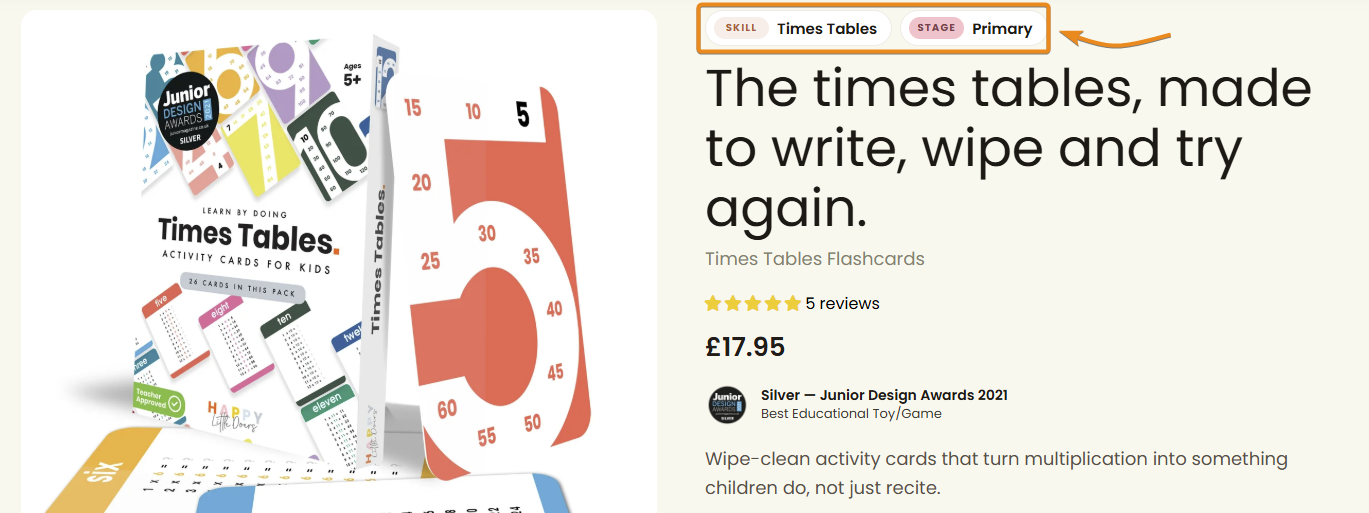
1.Clickable tags at the top, to encourage site-wide discovery; and
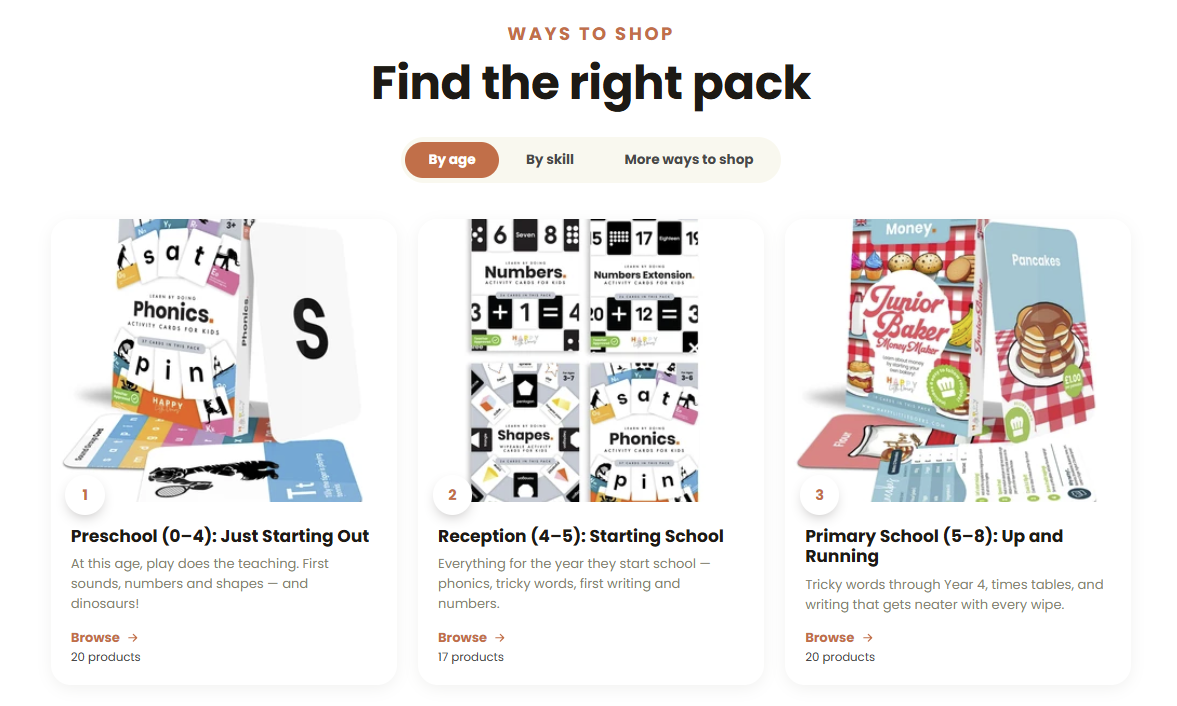
2.a “Find the right pack” section at the bottom of every product page.
The purpose of a product page is to sell the featured hero product. But if it's not the right fit, give your customers an easier way out than your site navigation.
Audit your user journey for cold audiences (Meta Ads): not just are customers buying, but what are they buying?
— Alan